Weather Clock Widget
CORE TECHNOLOGY
-
Đã cập nhật
2025-01-13
-
Phiên bản hiện tại
1.9.8.3-30
-
Cung cấp bởi

Mô tả
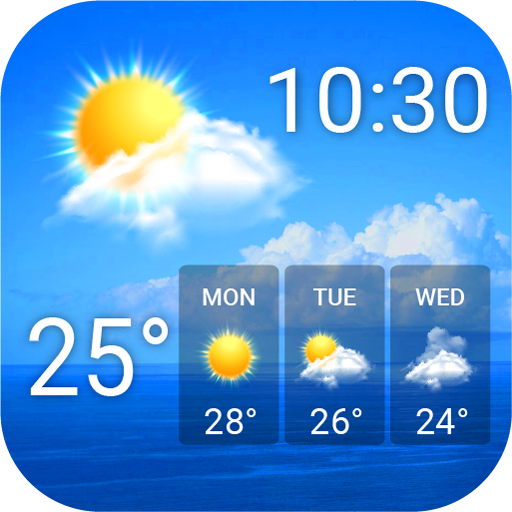
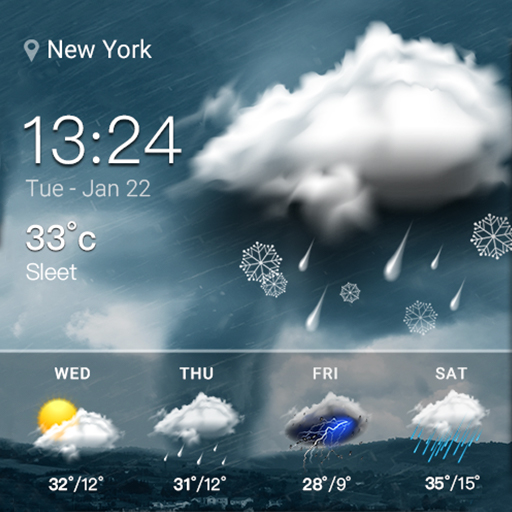
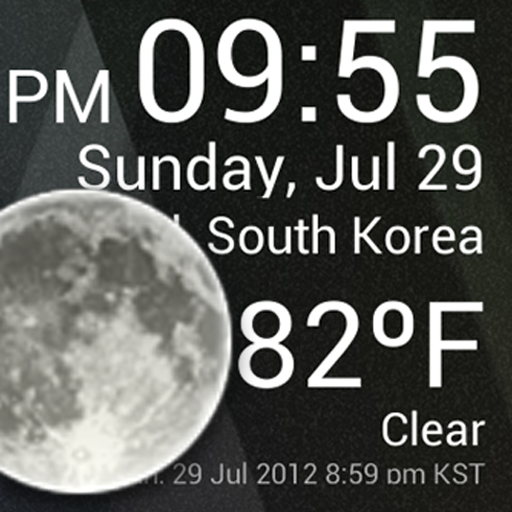
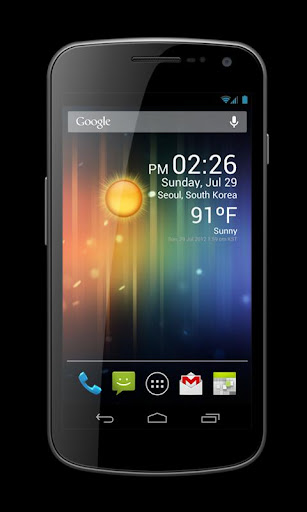
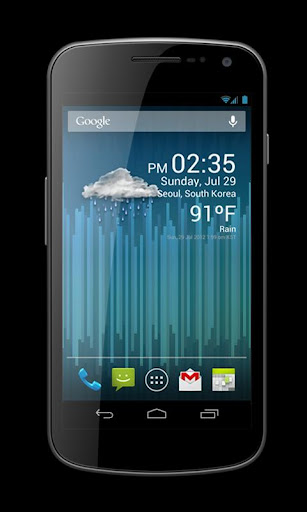
Check the Current Time and Weather Condition.
Simple and fast
Application uses less battery power.
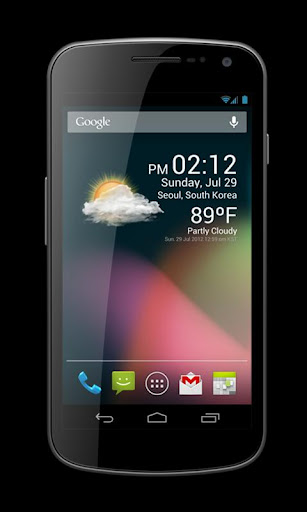
Weather Clock Widget is a replacement lock screen clock widget for Android 4.2+.
To add the widget to your Android 4.2 device's lock screen, simply swipe to the left-most page of your lock screen and touch the "+" icon. Then, select "Weather Clock Widget" to customize and add the widget. You can make this the primary lock screen widget, replacing the default clock, by first touching-and-holding it and then dragging it horizontally to the very rightmost position.
**Before running the application configuration is required.
SETTING: Settings->Location services->GPS satellites enable
To add a widget to a Home screen, follow these steps:
1. Touch and hold any empty section of a Home screen.
2. Touch Widgets.
3. Touch and hold a widget. You’ll see images of each Home screen.
4. Slide the widget to the Home screen image you prefer, then lift your finger.
or Home->Application Menu->Widget
https://support.google.com/nexus/answer/2781850?hl=en
Forecast On/Off: Touch the Weather Image
Simple and fast
Application uses less battery power.
Weather Clock Widget is a replacement lock screen clock widget for Android 4.2+.
To add the widget to your Android 4.2 device's lock screen, simply swipe to the left-most page of your lock screen and touch the "+" icon. Then, select "Weather Clock Widget" to customize and add the widget. You can make this the primary lock screen widget, replacing the default clock, by first touching-and-holding it and then dragging it horizontally to the very rightmost position.
**Before running the application configuration is required.
SETTING: Settings->Location services->GPS satellites enable
To add a widget to a Home screen, follow these steps:
1. Touch and hold any empty section of a Home screen.
2. Touch Widgets.
3. Touch and hold a widget. You’ll see images of each Home screen.
4. Slide the widget to the Home screen image you prefer, then lift your finger.
or Home->Application Menu->Widget
https://support.google.com/nexus/answer/2781850?hl=en
Forecast On/Off: Touch the Weather Image
Nhiều hơn
OTHERS:WEATHER
Có gì mới trong phiên bản 1.3.5
Cập nhật lần cuối vào Jan 13,2025
Sửa lỗi nhỏ và cải tiến. Cài đặt hoặc cập nhật lên phiên bản mới nhất để trải nghiệm ngay!
Thu gọn
Ảnh chụp màn hình

Thông tin
-
Đã cập nhật2025-01-13
-
Phiên bản hiện tại1.9.8.3-30
-
Cung cấp bởi

-
Kích thước Apk0MB
-
Yêu cầu AndroidAndroid 4.4+