Weather Clock Widget
CORE TECHNOLOGY
-
Diupdate
2025-01-13
-
Versi Saat Ini
1.9.8.3-30
-
Ditawarkan Oleh

Description
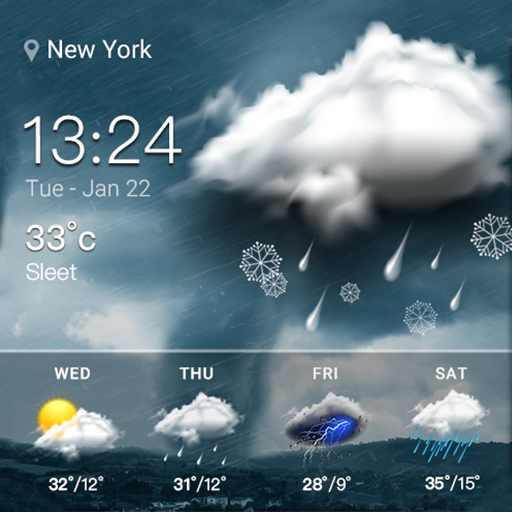
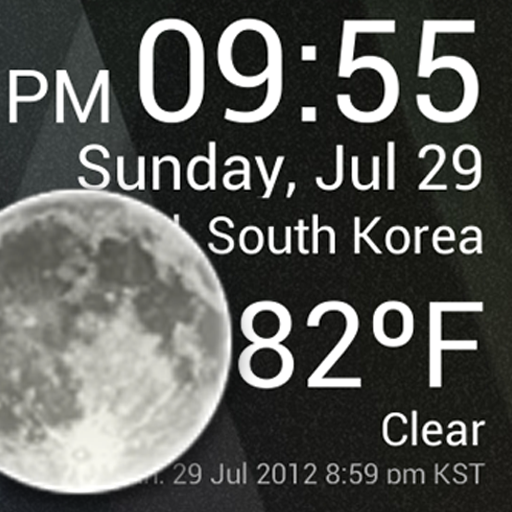
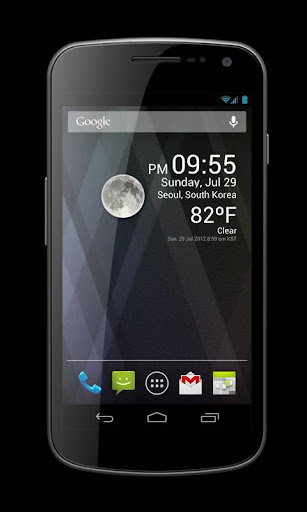
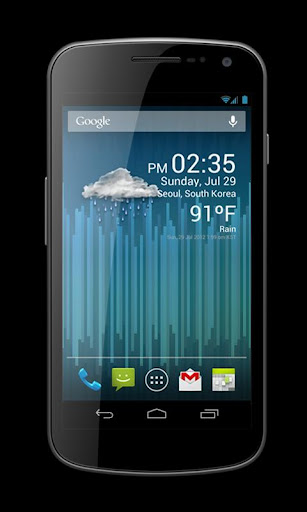
Check the Current Time and Weather Condition.
Simple and fast
Application uses less battery power.
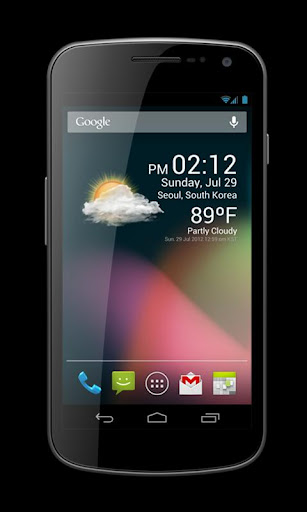
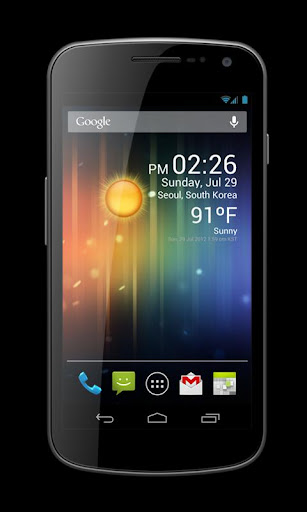
Weather Clock Widget is a replacement lock screen clock widget for Android 4.2+.
To add the widget to your Android 4.2 device's lock screen, simply swipe to the left-most page of your lock screen and touch the "+" icon. Then, select "Weather Clock Widget" to customize and add the widget. You can make this the primary lock screen widget, replacing the default clock, by first touching-and-holding it and then dragging it horizontally to the very rightmost position.
**Before running the application configuration is required.
SETTING: Settings->Location services->GPS satellites enable
To add a widget to a Home screen, follow these steps:
1. Touch and hold any empty section of a Home screen.
2. Touch Widgets.
3. Touch and hold a widget. You’ll see images of each Home screen.
4. Slide the widget to the Home screen image you prefer, then lift your finger.
or Home->Application Menu->Widget
https://support.google.com/nexus/answer/2781850?hl=en
Forecast On/Off: Touch the Weather Image
Simple and fast
Application uses less battery power.
Weather Clock Widget is a replacement lock screen clock widget for Android 4.2+.
To add the widget to your Android 4.2 device's lock screen, simply swipe to the left-most page of your lock screen and touch the "+" icon. Then, select "Weather Clock Widget" to customize and add the widget. You can make this the primary lock screen widget, replacing the default clock, by first touching-and-holding it and then dragging it horizontally to the very rightmost position.
**Before running the application configuration is required.
SETTING: Settings->Location services->GPS satellites enable
To add a widget to a Home screen, follow these steps:
1. Touch and hold any empty section of a Home screen.
2. Touch Widgets.
3. Touch and hold a widget. You’ll see images of each Home screen.
4. Slide the widget to the Home screen image you prefer, then lift your finger.
or Home->Application Menu->Widget
https://support.google.com/nexus/answer/2781850?hl=en
Forecast On/Off: Touch the Weather Image
Tampilkan Lebih banyak
OTHERS:WEATHER
Apa yang Baru di Versi 1.3.5
Terakhir diperbarui pada Jan 13,2025
Perbaikan bug kecil dan peningkatan. Instal atau perbarui ke versi terbaru untuk melihatnya!
Tampilkan sedikit
Tangkapan layar
Informasi
-
Diupdate2025-01-13
-
Versi Saat Ini1.9.8.3-30
-
Ditawarkan Oleh

-
Ukuran apk0MB
-
Membutuhkan AndroidAndroid 4.4+