HiSense Smart TV Remote
Naba
-
Mise à jour
2025-01-13
-
Version actuelle
5.0
-
Proposée par

La description
Why HiSense Smart TV Remote Control
Convert your mobile device into HiSense Smart TV Remote and get rid of drained batteries and broken plastic remotes.
Supported Philips Smart TV's
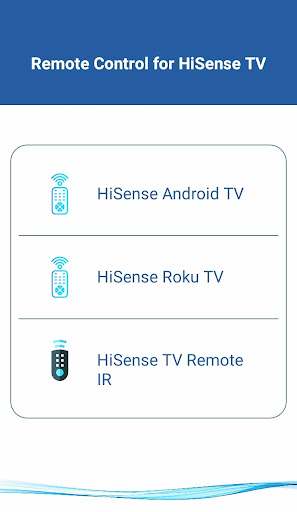
- - Supports All HiSense Smart TV with Android OS OR Android TV Remote
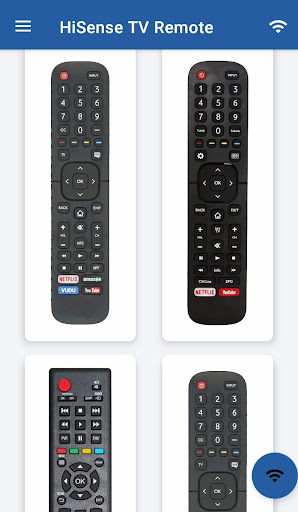
This remote control for HiSense Smart TV supports Android OS and Traditional IR devices.
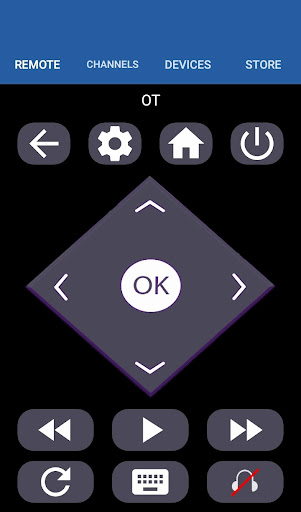
This remote control for HiSense Smart TV supports Roku OS and Traditional IR devices.
Network Compatibility
To use HiSense Smart TV Remote your HiSense Smart TV and your mobile device must be on the same Wi-Fi Network, once the Smart TV is detected then you will have to Enter the PIN shown on TV to start using HiSense Smart TV Remote.
Traditional IR Devices
Supports all traditional Philips TV's, your phone must have IR blaster in it for using the HiSense TV Remote Control .
Functionality
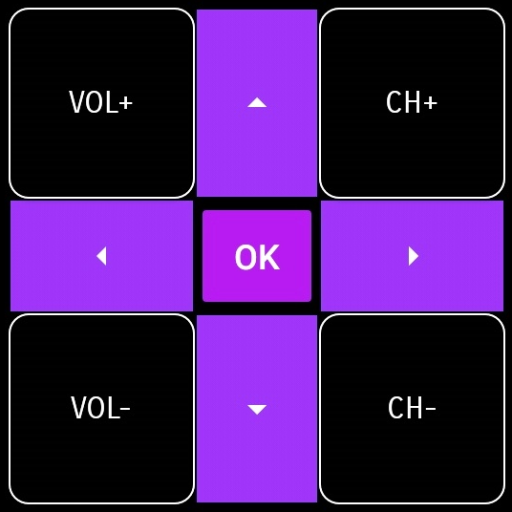
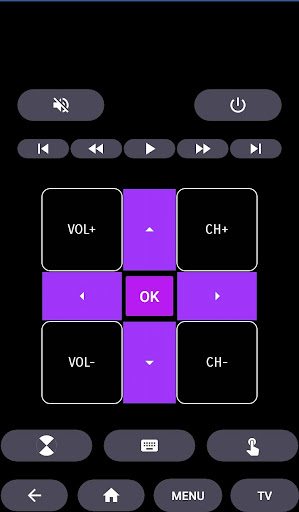
- ON / OFF
- Volume Control's
- Channel Control's
- Mute
- Navigation Control's
- Multi Media Control's
- Home
- Touch Pad
- Many More
- For Traditional Philips TV Remote, supports all the functions in the remote.
Android TV
In addition to HiSense Smart TV, our Remote Control for HiSense Smart TV Supports Android Chromecast OS.
Smart TV Remote Can be used
- HiSense Android TV Remote
- HiSense Remote Smart TV
- HiSense Roku TV Remote
Disclaimer
This app is not an official HiSense application. We are not affiliated with HiSense Electronics in any way, we have just presented it in a better way.
Reach Us
If in any case your HiSense Smart TV Remote is not getting connected please reach us at nabasmarttvremote@gmail.com. We are always working to improve our product.
Convert your mobile device into HiSense Smart TV Remote and get rid of drained batteries and broken plastic remotes.
Supported Philips Smart TV's
- - Supports All HiSense Smart TV with Android OS OR Android TV Remote
This remote control for HiSense Smart TV supports Android OS and Traditional IR devices.
This remote control for HiSense Smart TV supports Roku OS and Traditional IR devices.
Network Compatibility
To use HiSense Smart TV Remote your HiSense Smart TV and your mobile device must be on the same Wi-Fi Network, once the Smart TV is detected then you will have to Enter the PIN shown on TV to start using HiSense Smart TV Remote.
Traditional IR Devices
Supports all traditional Philips TV's, your phone must have IR blaster in it for using the HiSense TV Remote Control .
Functionality
- ON / OFF
- Volume Control's
- Channel Control's
- Mute
- Navigation Control's
- Multi Media Control's
- Home
- Touch Pad
- Many More
- For Traditional Philips TV Remote, supports all the functions in the remote.
Android TV
In addition to HiSense Smart TV, our Remote Control for HiSense Smart TV Supports Android Chromecast OS.
Smart TV Remote Can be used
- HiSense Android TV Remote
- HiSense Remote Smart TV
- HiSense Roku TV Remote
Disclaimer
This app is not an official HiSense application. We are not affiliated with HiSense Electronics in any way, we have just presented it in a better way.
Reach Us
If in any case your HiSense Smart TV Remote is not getting connected please reach us at nabasmarttvremote@gmail.com. We are always working to improve our product.
Afficher plus
OTHERS:HOUSE_AND_HOME
Quoi de neuf dans la version 1.3.5
Dernière mise à jour le Jan 13,2025
Corrections de bugs mineurs et améliorations. Installez ou mettez à jour vers la dernière version pour découvrir les nouveautés !
Montrer moin
Captures d’écrans
Renseignements
-
Mise à jour2025-01-13
-
Version actuelle5.0
-
Proposée par

-
Taille de l’apk0MB
-
Nécessite AndroidAndroid 4.4+