Draw Easy: Trace to Sketch
Kraph Tech
-
Updated
2026-06-29
-
Current Version
1.0.1
-
Offered By

Description
What is Tracing?
- Tracing is used to transfer an image into line work from a photo or artwork. You place your tracing paper over it and draw the lines that you see. So, Trace it & Sketch it.
- Using this app you can learn drawing or tracing.
- So how does it works?
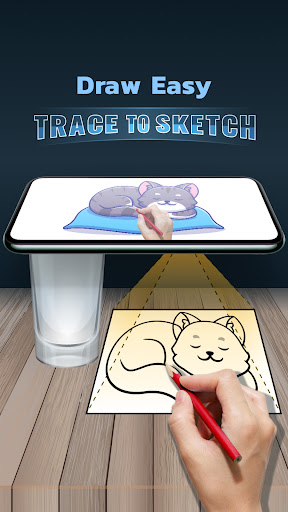
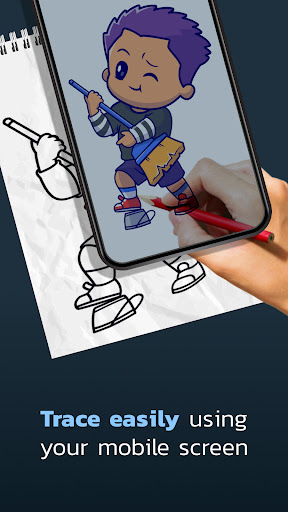
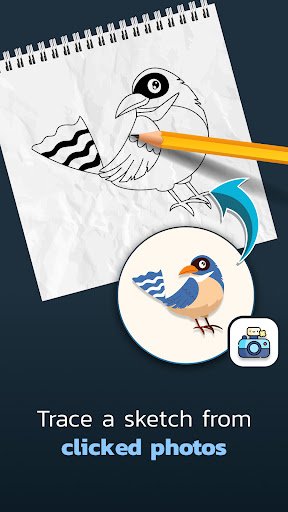
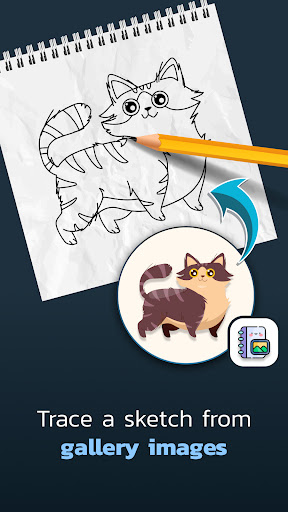
- Select an image from the gallery or capture an image with a camera then just apply the filter. After that, you will see that image on the camera screen with transparency & you have to put drawing paper or book anything on which you want to trace and draw. Your image will not appear on paper but a transparent image with camera so that you can trace it on paper.
- Draw on paper by looking at the phone with a transparent image.
- Select any image and convert it to a tracing image.
READ_EXTERNAL_STORAGE - Show a list of images from the device and allow a user to select images for tracing and drawing.
CAMERA - To Show trace image on camera and draw it on paper. also, it is used for capturing and drawing on paper.
- Tracing is used to transfer an image into line work from a photo or artwork. You place your tracing paper over it and draw the lines that you see. So, Trace it & Sketch it.
- Using this app you can learn drawing or tracing.
- So how does it works?
- Select an image from the gallery or capture an image with a camera then just apply the filter. After that, you will see that image on the camera screen with transparency & you have to put drawing paper or book anything on which you want to trace and draw. Your image will not appear on paper but a transparent image with camera so that you can trace it on paper.
- Draw on paper by looking at the phone with a transparent image.
- Select any image and convert it to a tracing image.
READ_EXTERNAL_STORAGE - Show a list of images from the device and allow a user to select images for tracing and drawing.
CAMERA - To Show trace image on camera and draw it on paper. also, it is used for capturing and drawing on paper.
Show more
OTHERS:TOOLS
What\'s New in Version 1.3.5
Last updated on Jun 29,2026
Minor bug fixes and improvements. Install or update to the newest version to check it out!
Show less
Screen shots
Information
-
Updated2026-06-29
-
Current Version1.0.1
-
Offered By

-
Apk size0MB
-
Requires AndroidAndroid 4.4+
















