ALBAIK
ALBAIK® Food Systems Company
-
Bijgewerkt
2025-01-13
-
Huidige Versie
6.97
-
Aangeboden door

Omschrijving
Order and Enjoy your favourite meal through the updated ALBAIK App
1. Download the App
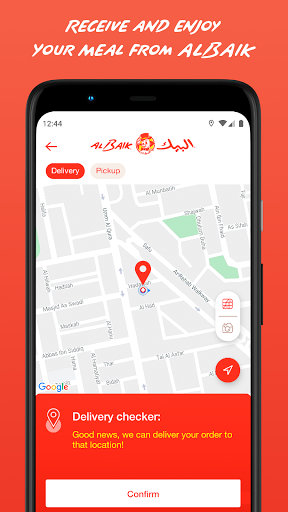
2. Select your delivery location on the map
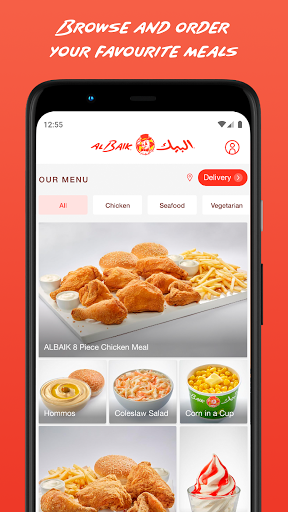
3. Choose the food category, then the meal from the category selected, followed by your choice of “Regular” or “Spicy” then the quantity desired.
4. After picking your desired meals, click on the red “Confirm Order” to continue
5. Create a new account or sign in
5. Enter your credit card details and complete your payment. Make sure to type your name the way it appears on the card.
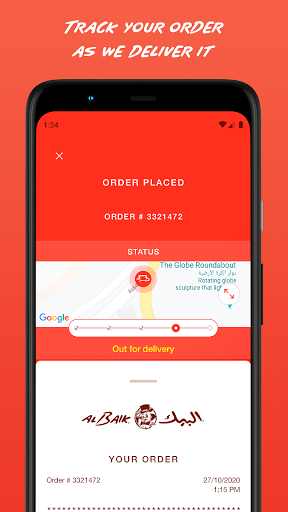
6. You will receive push notifications confirming your order and with real-time status updates as we prepare your food and bring it to you.
1. Download the App
2. Select your delivery location on the map
3. Choose the food category, then the meal from the category selected, followed by your choice of “Regular” or “Spicy” then the quantity desired.
4. After picking your desired meals, click on the red “Confirm Order” to continue
5. Create a new account or sign in
5. Enter your credit card details and complete your payment. Make sure to type your name the way it appears on the card.
6. You will receive push notifications confirming your order and with real-time status updates as we prepare your food and bring it to you.
Meer tonen
OTHERS:FOOD_AND_DRINK
Wat is er nieuw in versie 1.3.5
Laatst bijgewerkt op Jan 13,2025
Kleine bugfixes en verbeteringen. Installeer of werk bij naar de nieuwste versie om het uit te proberen!
Minder tonen
Schermafbeeldingen
Informatie
-
Bijgewerkt2025-01-13
-
Huidige Versie6.97
-
Aangeboden door

-
Apk-grootte0MB
-
Vereist AndroidAndroid 4.4+