
Description
This application is for HDMI connection. You may project your Android smartphone’s screen onto the car multi-media system by HDMI connection and use this application for bi-directional control via touch screen of car multi-media.
1. Please check your smartphone which is supported the MHL output on the following URL.
http://www.mhltech.org/devices.aspx
2. You have to prepare the MHL-HDMI adaptor for the smartphone.
3. Please connect the Bluetooth(HID, SPP) with the car multi-media.
4. Please connect the HDMI cable with the car multi media.
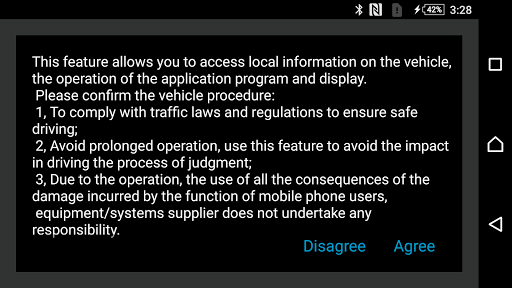
5. Please confirm the caution message on the smartphone screen, and please select the Yes/No button.
1. Please check your smartphone which is supported the MHL output on the following URL.
http://www.mhltech.org/devices.aspx
2. You have to prepare the MHL-HDMI adaptor for the smartphone.
3. Please connect the Bluetooth(HID, SPP) with the car multi-media.
4. Please connect the HDMI cable with the car multi media.
5. Please confirm the caution message on the smartphone screen, and please select the Yes/No button.
Tampilkan Lebih banyak
OTHERS:MAP_AND_NAVIGATION
Apa yang Baru di Versi 1.3.5
Terakhir diperbarui pada Jan 13,2025
Perbaikan bug kecil dan peningkatan. Instal atau perbarui ke versi terbaru untuk melihatnya!
Tampilkan sedikit
Tangkapan layar
Informasi
-
Diupdate2025-01-13
-
Versi Saat Ini1.7.8
-
Ditawarkan Oleh

-
Ukuran apk0MB
-
Membutuhkan AndroidAndroid 4.4+